Click the photo to open a menu. The menu appears at the click coordinates.
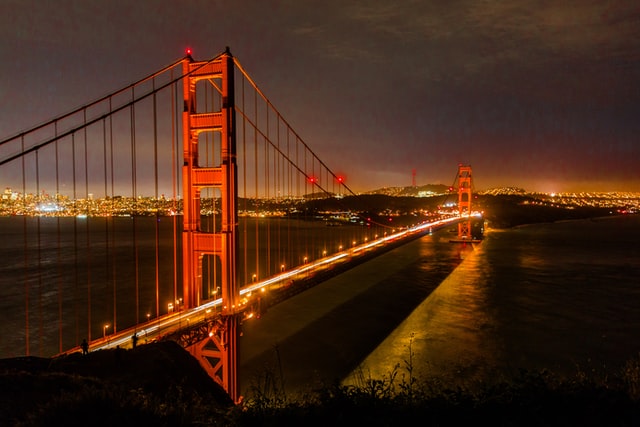
Event hooks, image triggers, image menu items, hover previews, and context popups.
Click the photo to open a menu. The menu appears at the click coordinates.
Any element can be an Alap trigger — not just <a> tags.
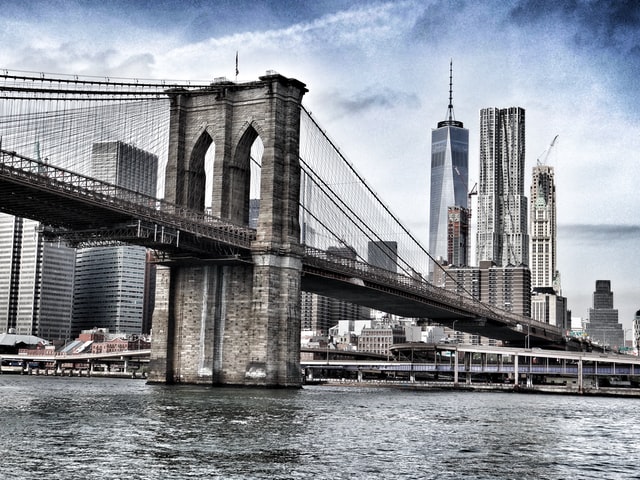 Bridges
3 destinations
Bridges
3 destinations
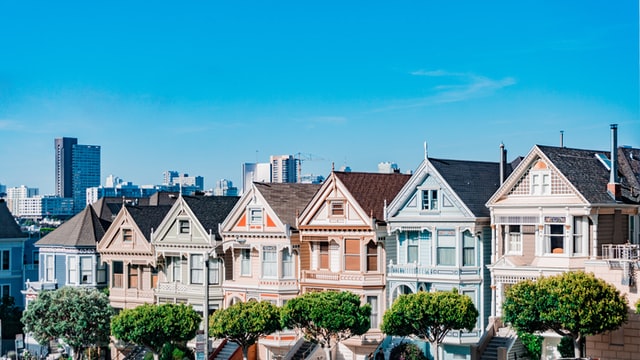 San Francisco
4 destinations
San Francisco
4 destinations
When a link has an image field, the menu item shows the image instead of a text label.
Click photo gallery.
Open a menu and hover over items. The onItemHover callback reads the item's
description and thumbnail to populate a preview panel.
Try: bridges — hover over each item to see its description and photo.
Right-click a menu item (or press ArrowRight while focused) to open a detail popup with the item's thumbnail, description, and a direct link.
Try: bridges with context — right-click an item.
Image trigger + image menu items + hover preview + context popup:
Click the image, hover items for preview, right-click for detail.